If you’ve ever worked with me on a website project, there’s a very good chance I’ve recommended (or used) Elementor Pro for WordPress (aka the Elementor Page Builder).
And no, it’s not just because it’s popular. It’s because after years of designing and building websites, it’s one of the few tools that actually balances creative freedom, functionality, and ease of use without making things unnecessarily complicated.
Here’s why I keep coming back to it.
It makes brand updates way less painful
One of my all-time favorite things about Elementor Pro is the ability to make global edits.
Fonts, colors, buttons, spacing… all of it can be set up once and applied across your entire site. So if your brand evolves or you just want to tweak a few things, you’re not stuck updating every single page or blog post manually.
Same goes for global sections and templates. Things like footers, call-to-action sections, pop-ups, or repeatable layouts can be built once and reused wherever you need them.
It keeps everything consistent and saves a lot of time on the backend.
It gives you real design control (without fighting the platform)
A lot of website builders either box you into rigid templates or give you flexibility but make it painfully technical.
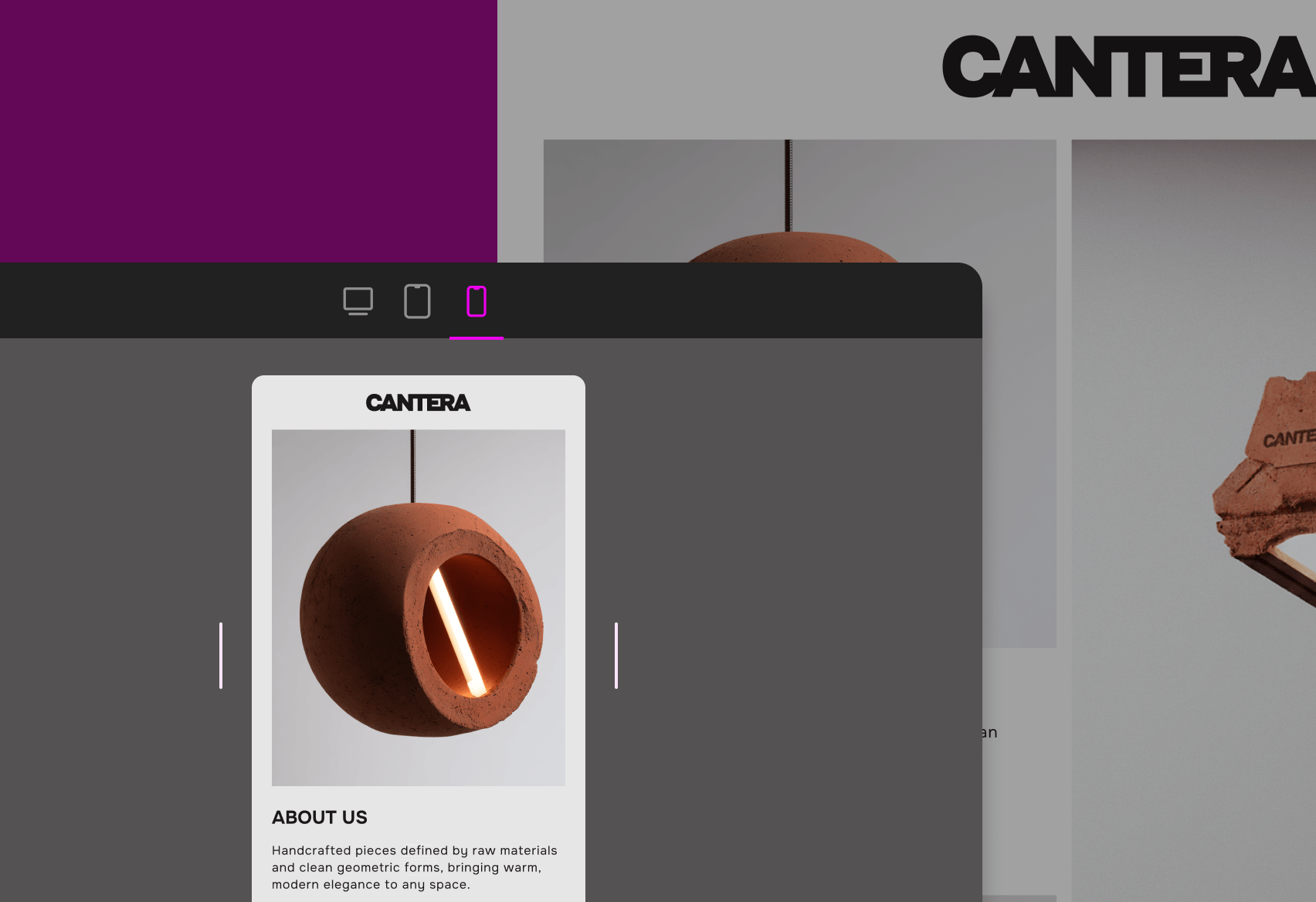
Elementor sits in a really nice middle ground. It gives you the control you’d expect as a designer. Spacing, layering, responsiveness, layout structure… you can actually design something that feels custom instead of “template-y.”
For me, that’s huge. It means I can create websites that feel aligned with a brand instead of forcing a brand into a pre-built layout.
It’s built for designers… but still client-friendly
This is a big one.
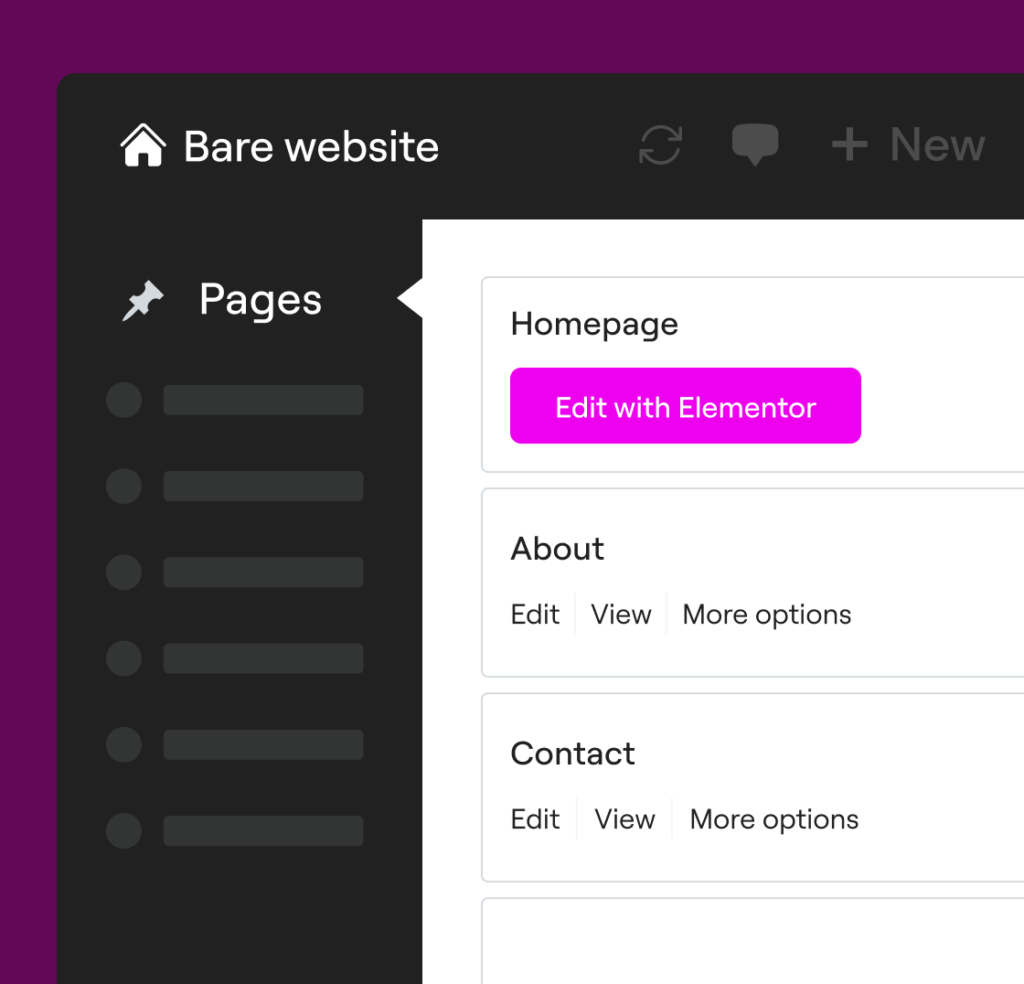
The Elementor Editor is powerful enough for a professional front-end designer, but it’s also intuitive enough that clients can comfortably make updates after launch.
Things like swapping images, editing text, updating links, or adding blog posts are all very doable without needing to touch code. That balance matters. You shouldn’t feel stuck every time you need to change something on your own site.
Drag-and-drop that actually makes sense
Not all drag-and-drop builders are created equal.
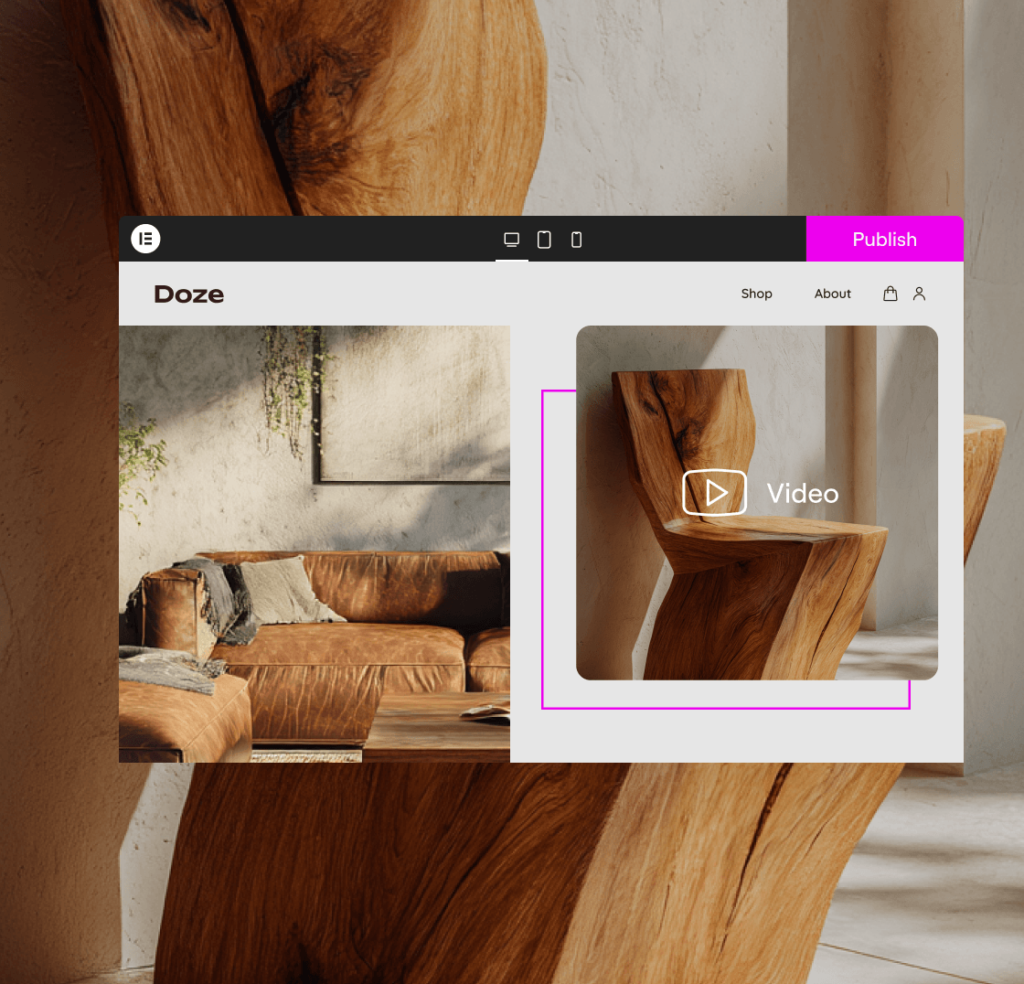
Elementor’s interface is straightforward and visual. You can see your changes in real time, move things around easily, and build layouts without constantly previewing.
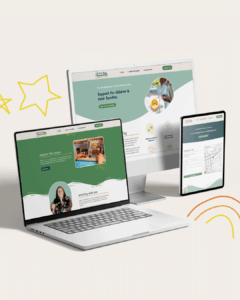
One of my favorite features is being able to design specifically for desktop, tablet, and mobile. Instead of hoping your site “just works” on smaller screens, you can fine-tune everything so it actually feels intentional.
The widget library is stacked
Elementor comes with a ton of built-in widgets that cover most of what you’d need. Galleries, sliders, forms, testimonials, buttons, icons… it’s all there. And if you want to go further, there are plenty of add-on plugins that expand functionality even more.
It gives you flexibility without turning your site into a complicated mess.
If you’re getting started, here are a few options
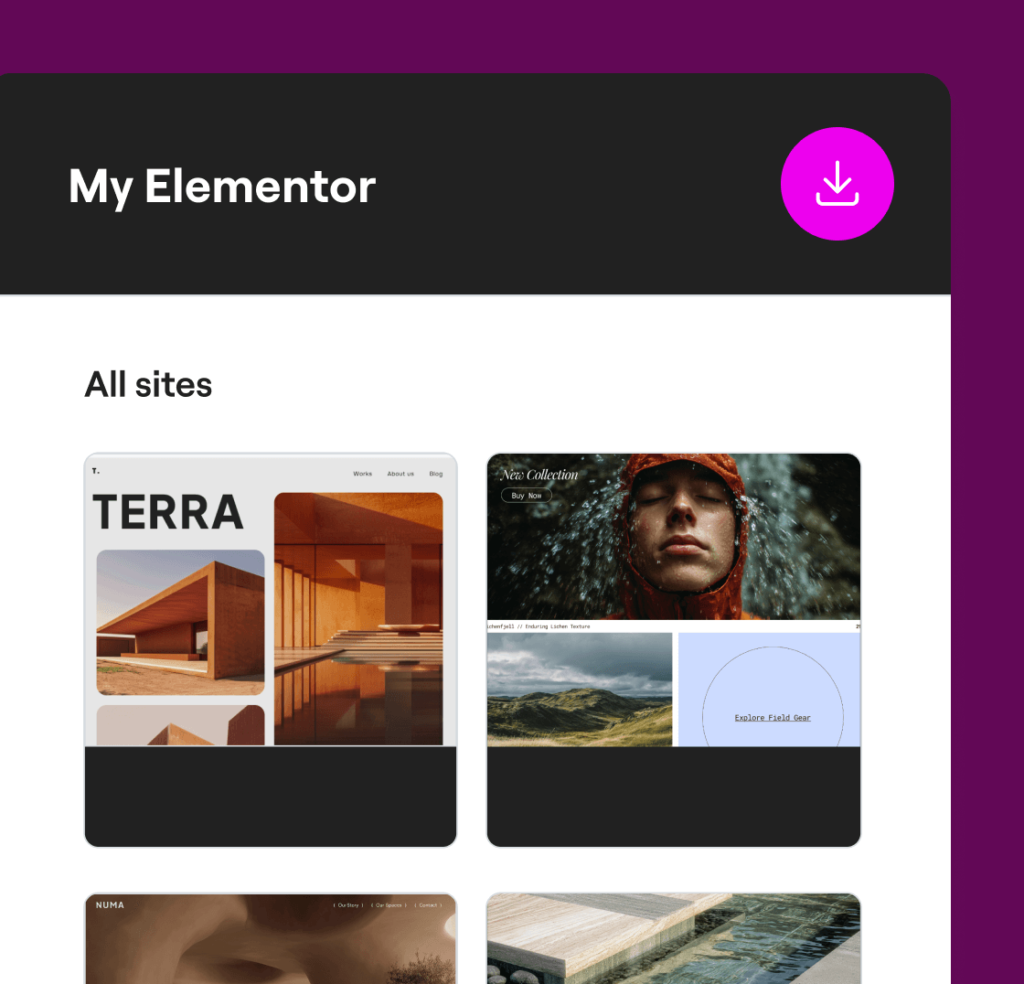
If you’re thinking about using Elementor, there are a couple different ways to get set up depending on what you need:
- If you already have a WordPress site and just need the builder:
👉 Try the page editor here - If you need hosting for your site:
👉 You can start with hosting here - If you want everything in one place (hosting + builder):
👉 Elementor One is the simplest all-in-one option
So… is Elementor the right choice?
Not always. No platform or builder is perfect for everyone.
But for a lot of service-based businesses, creatives, and growing brands, it’s a really strong option if you want a site that feels custom and manageable long-term.
If you’re not sure what setup makes the most sense for you, I’m always happy to point you in the right direction or help build something that actually works for your business.
Note: Some of the links above are affiliate links, which means I may earn a small commission if you choose to use them—at no additional cost to you. I only recommend tools I genuinely use and trust.